How to use illuminations
Published on: December 28, 2025
Using Illumination Packs
Adding an illumination pack to a book is straightforward. Typically, you would place the illuminations.zip file in the same folder as your book's audio files. However, we understand this can be challenging on Android devices. To simplify this process, we've introduced a shortcode system.
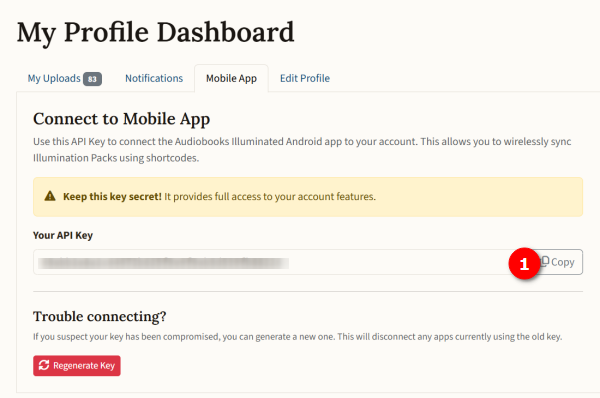
First, navigate to your profile page and copy your API key.
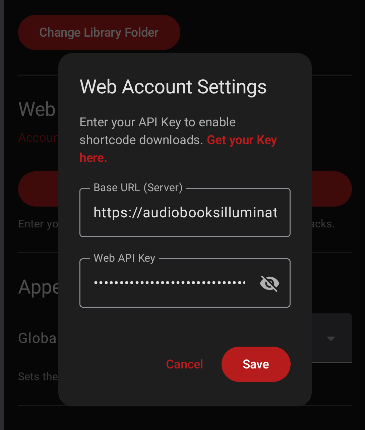
Next, open the mobile app and go to Settings > Web Account. Paste your API key into the provided field.
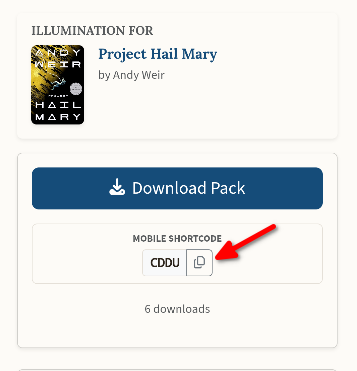
Locate the illumination pack you wish to use and copy its unique Shortcode.
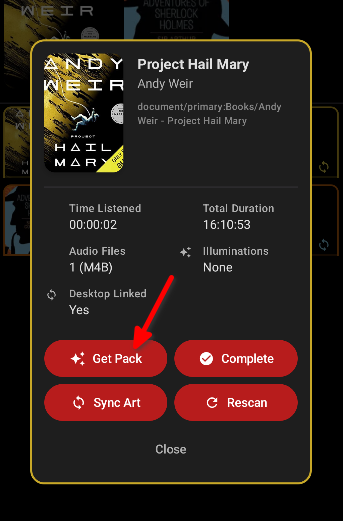
In the app's library, long-press the book you want to illuminate. Then, select the "Get Pack" option.
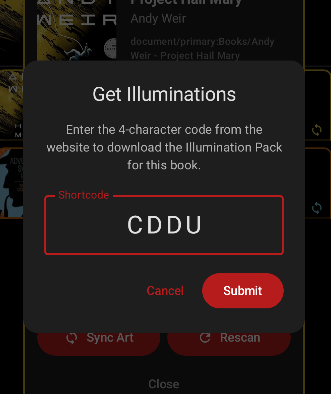
Enter the 4-digit shortcode for your illumination pack and tap "Submit".
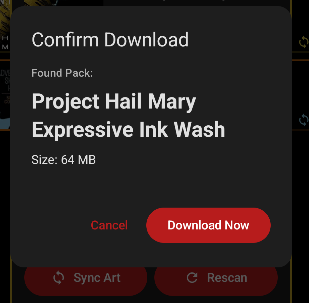
Verify that this is the correct illumination pack, then click "Download Now".
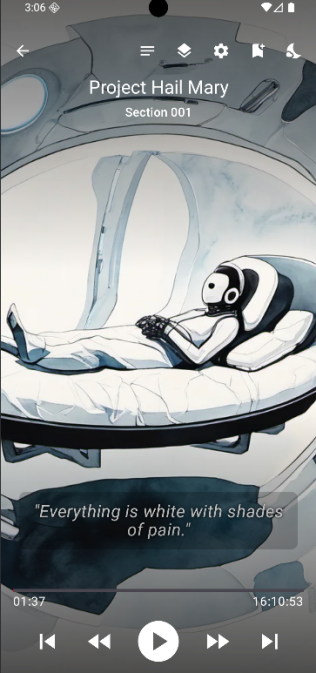
Once the illumination pack has finished downloading, your book will be illuminated.